Today’s work, recorded as it happens.

Brikx records the recurring work your teams do: opening rounds, temperature checks, cleaning schedules and safety inspections. Your team signs it off, with photos and forms as evidence. If something gets stuck you see it straight away, and every morning the daily report for each location is in your inbox.

From one floor with one team to a multinational · from €74 per month

Example

Kitchen Fridge temperature recorded 07:04 · form with the reading

On the floor

How it works
Example · how the kiosk app shows one zone’s day
SHARED SCREEN, OR PERSONAL

The team works, or the person

By default a linked screen hangs on the wall: nobody has to install an app on a personal device, no password does the rounds in a group chat, and the score belongs to the team. Anyone who wants to take part personally joins a zone with their own account and works from their own device. Brikx then also records who did what.
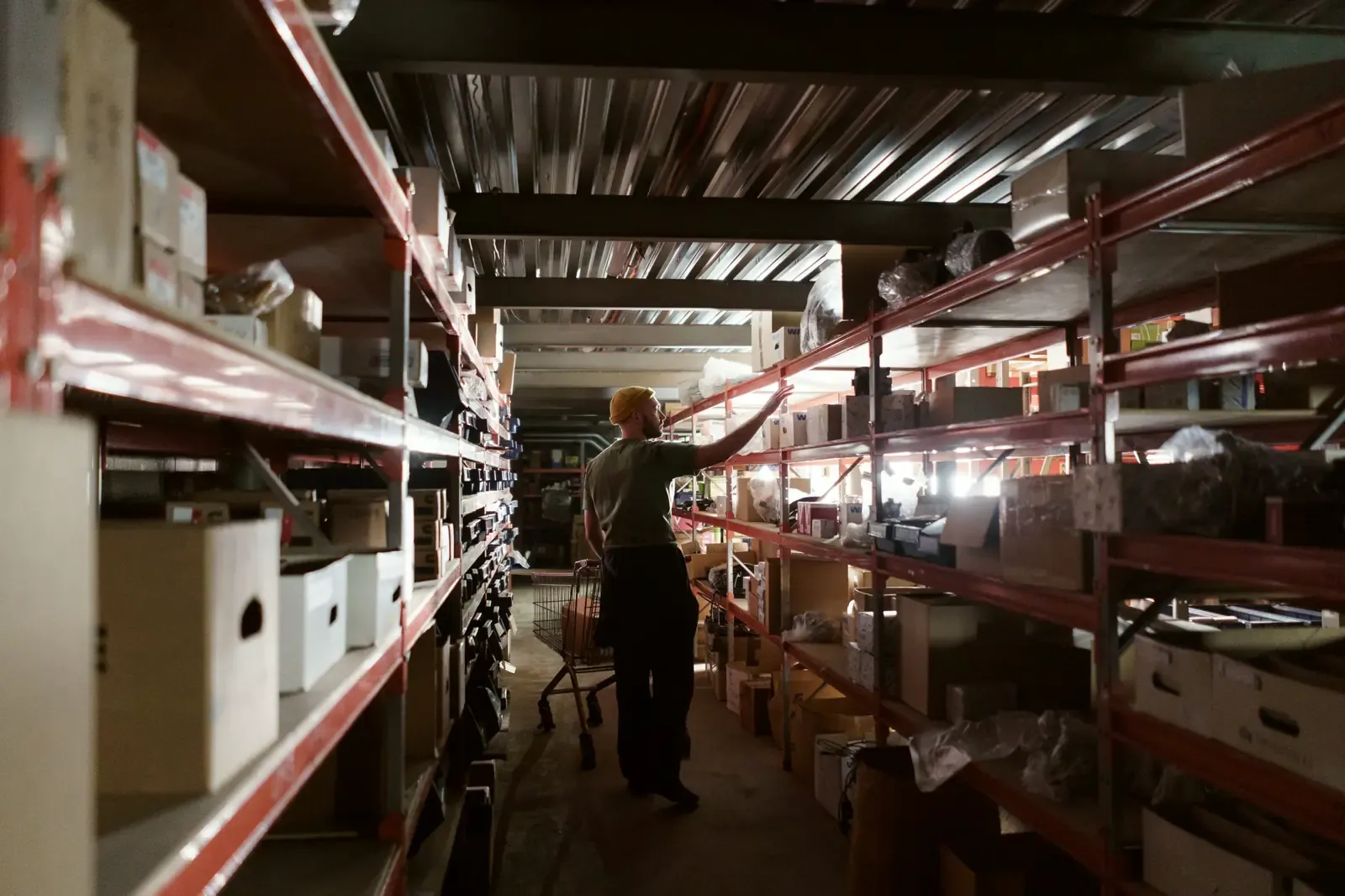
A worker in a dim warehouse, between tall racks
WITH OR WITHOUT WIFI

The warehouse has poor reception

Signing off works offline, whether that is a tick, a completed list or a photo. The app queues everything and sends it the moment the network is back, without ever counting anything twice.

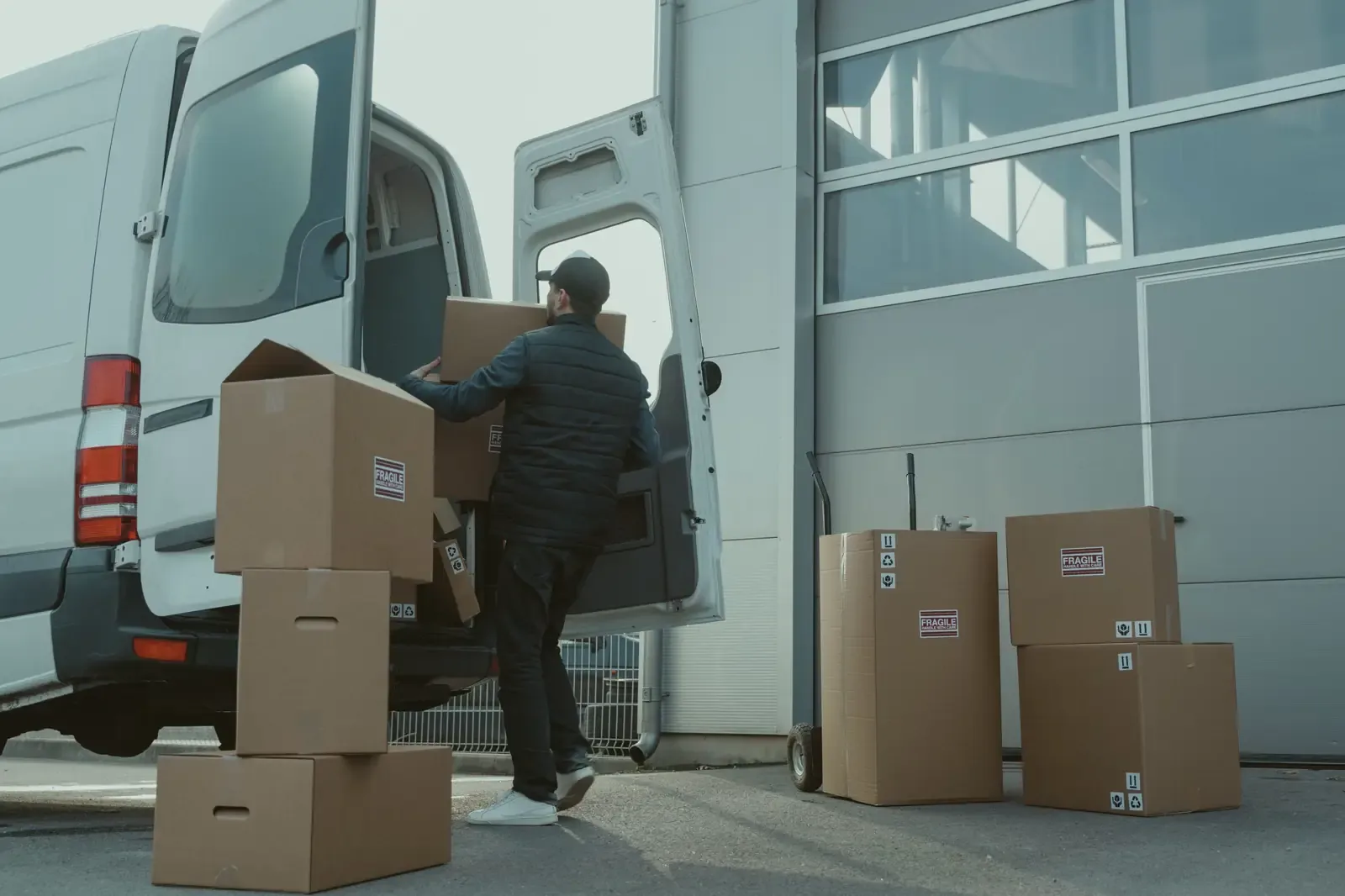
A courier unloading boxes from a van
EXCEPTIONS

Reality does not follow the plan

Skip a day, move it, or schedule something extra just once. Per task, without tearing up the whole rota. Alongside the fixed rhythm, Brikx moves with the way your team actually divides up the day.

This is what happened on Tuesday 6 October

Zwolle branch

Operational day, from this zone’s day start to the next

The opening round and the midday check were completed in every department. Temperature logging in the bakery ran two hours behind its window. One task in the warehouse was reported as blocked.

91%score
23on time
2late
1blockers
1not done

What held the work up

Tidy the warehouse · Warehouse

A pallet from the morning delivery is blocking the aisle. It goes out on tomorrow’s first run.

12 photos were taken. They can be viewed in the app.

Example · this report is emailed every morning for each location and is also available as a PDF
EVERY MORNING

The daily report closes the day

The score, what worked, what did not, and for what reason. Every level gets its own report covering all the zones beneath it, so a regional manager sees at a glance which sites stand out, where the work got stuck and where the attention should go today.

Four parts, one unit

How it works

We call that unit the zone: one managed team, a department, a shift, a kitchen or a warehouse. Modelled on your organisation.

The tree

Region, format, branch, department, shift: you name your own levels, as deep as you actually work. Settings are inherited downwards, access follows the tree, and nobody sees more than their own branch.

The stack

Tasks that belong to one time window: the opening round, the midday check, the closing round. Define it once, use it in forty branches.

The evidence

A tick, a photo, a form or a list: you decide per task what it takes. If it cannot be done, the employee reports a blocker and has to give a reason.

The score

You decide how heavily "late" counts, and it can differ per zone. Change that rule and last month’s scores are not quietly recalculated: they stay tied to the rules that applied at the time.

What Brikx records holds up

These four pillars give you an honest picture, every day, of what your teams actually do. And when someone else asks, such as a food safety inspector, a franchisor, an insurer or your own procurement department, you can show it with confidence.

Data and security

Unchangeable

Nothing is overwritten

What has been recorded stays until your own retention period expires. A correction is placed next to what was there, never over it. There is no way to change or delete a completed task. Not by your manager, not by your head office, not by us.

Searchable

Who changed what, and when

Who changed this task, when, and from which value to which one? It is not scattered through a log file but searchable per zone, per task and per period. You ask for it when you need it, and it is there straight away.

About us as well

Supplier access

When our support helps you and we act on behalf of one of your users, that lands in the same trail as everything else: who, when, on whose behalf, and what was done. Nobody can look in unseen.

Protected

Photos and data

Photos are kept strictly separate per zone, never on a public address, and can only be opened through a link that expires shortly afterwards. The hidden location data that a camera writes into every photo is removed before the photo is stored.

Every team gets the whole product

See the pricing

Unlimited users, managers and screens, in every package. Grouping levels such as regions and formats cost nothing. You pay per location and per managed team.

Base

The foundation
€49/ location / month
€25/ team / month
  • A tree of any depth
  • Tasks, checklists, schedules
  • Kiosk, offline, unlimited screens
  • Daily report and score
See pricing

Frame

The structure
€59/ location / month
€29/ team / month
  • Everything in Base
  • Scoring rules per team
  • Reporting across the whole tree
  • Audit trail, your own branding and API
See pricing

Keystone

The final piece
On request
  • Everything in Frame
  • Your own retention policy
  • Tailored data processing agreement
  • Quarterly review and roadmap input
Get in touch
99.5% uptime

Per calendar month, in every package, with an automatic credit if we miss it. Public status page.

Inactive costs nothing

A location or team with no work in a calendar month is not invoiced.

Your data stays yours

Exportable through the API at any time, and deleted within 30 days of termination.

Know every day what happens on the floor. And be able to show it.

Request a demo