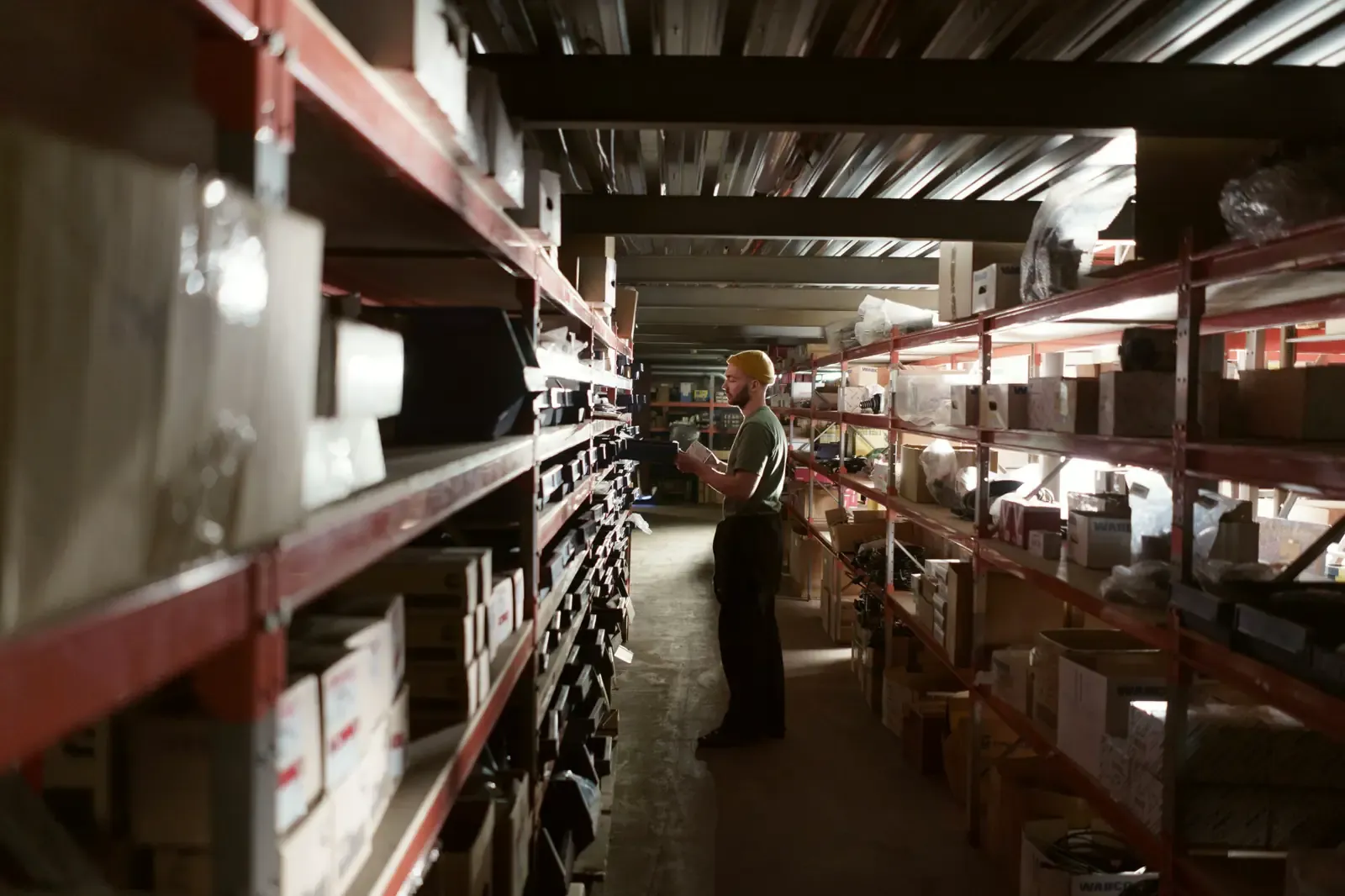
A worker with a tablet in a warehouse aisle

Your organisation as it really is.

We do not make you squeeze your organisation into a fixed structure that we, as a software supplier, thought up.
You name your own zones (region, format, branch, department, shift) the way you name them internally, and we take that structure as the starting point.

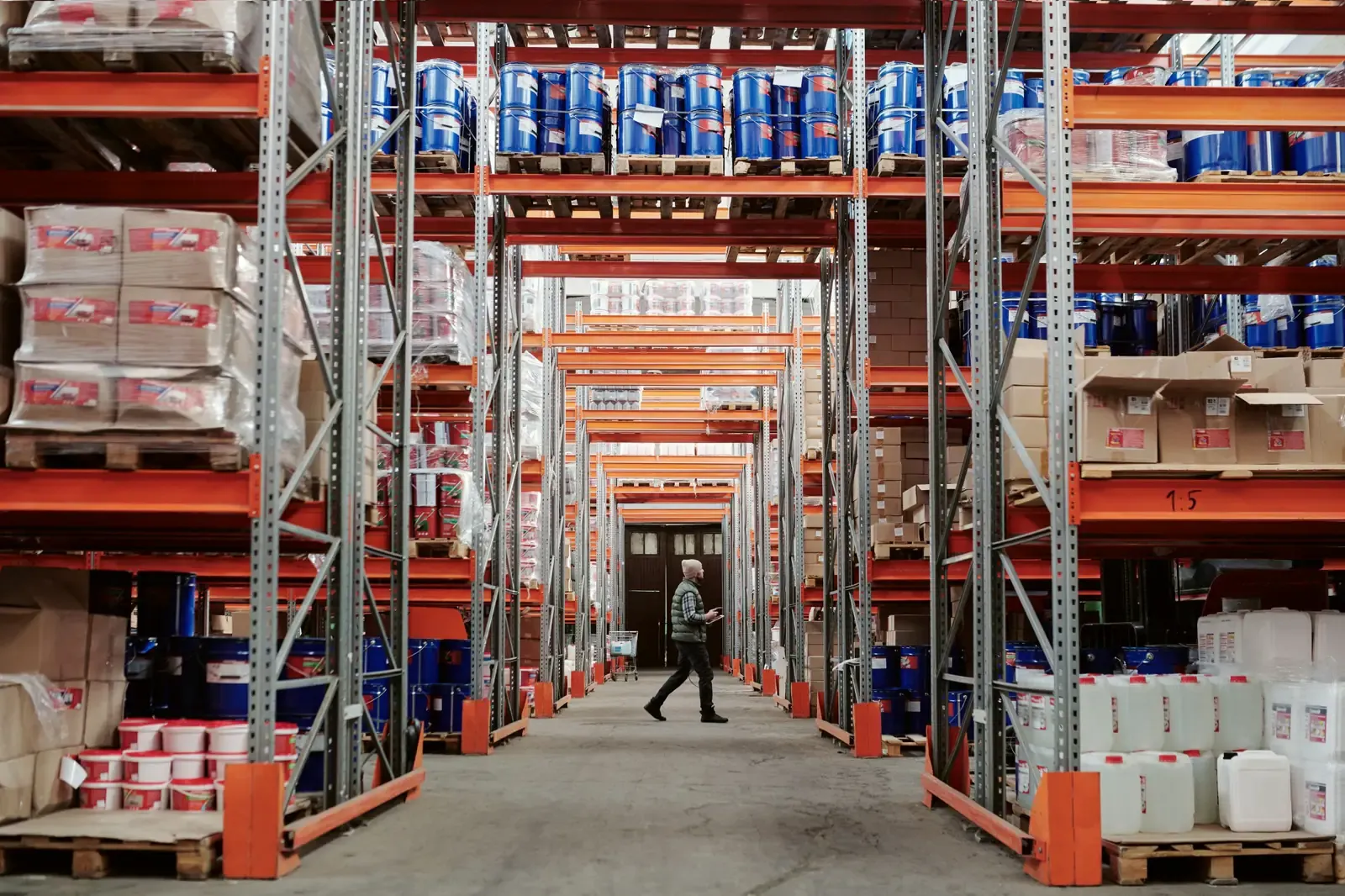
Long warehouse aisles with racks full of pallets

The tree

Every system in this category imposes a fixed model on you: organisation, location, and if you are lucky a department. If your business works differently you bend your reality around the system, and widen the gap between the system that is meant to support your work and the way your company actually runs.

Brikx has no fixed model. The tree is recursive and you name every zone yourself. Three things follow that tree automatically:

  • Settings are inherited downwards. Time zone, day start, retention period and scoring rules are set once high in the tree; everything below follows, unless you override it on the spot.
  • Access follows the same tree. Whoever has access to a zone sees that zone and everything under it, never more. There is no separate permissions matrix to maintain.
  • Reporting adds up the other way. A regional manager sees their region; head office sees everything; nobody has to configure anything to make that true.

A shop assistant opening the door of the shop in the morning

The work,
in time windows

Tasks that belong together are bundled into a stack with one time window: the opening round, the midday check, the closing round. Define it once, use it in forty branches.

  • Recurrence rules that hold. Night shifts and the clocks going forward are worked out properly, so no day of work quietly disappears.
  • Exceptions per recurrence. Skip a day, move it, or schedule something extra just once, without tearing up the whole rota.
  • Flexible tasks with a long window. Getting the Easter decorations ready and dressing the seasonal display can happen anywhere in the three weeks before Easter. Doing it early scores better, and in the last three days it stops being optional.

The fixed rhythm is the starting point, not a straitjacket. Alongside the recurrence rules, Brikx moves with the way your team actually divides up the day: a busy delivery day, building work, a seasonal peak or a colleague off sick.

Example · how the kiosk app shows one zone’s day

Evidence,
not a tick

You decide per task what it takes to sign it off:

  • A tick, for work that leaves nothing to see.
  • A photo of the entrance, the shelf, the floor.
  • A form with a temperature, a count, a signature.
  • A list ticked off line by line.

And if something cannot be done, the employee reports a blocker and has to give a reason. The task counts as handled, you get a message, and the reason stays on the record, rather than leaving a silent gap in the list that you are guessing about on Monday.

By default this happens on a screen on the floor: a linked device with a minimal role, nobody has to install anything on a personal device, and no password doing the rounds in a group chat. The screen is shared furniture, and the score belongs to the team working there.

Taking part personally works too. Anyone who wants to joins a zone with their own account and works from their own device. Brikx then records for every sign-off who did it, so you see not only that the work happened but who did it. It is a choice per zone and not an obligation: a team that works from one screen carries on working from one screen.

Both ways work offline: sign-offs go into a queue and are sent the moment the network is back, without ever counting anything twice.

This is what happened on Tuesday 6 October

Zwolle branch

Operational day, from this zone’s day start to the next

The opening round and the midday check were completed in every department. Temperature logging in the bakery ran two hours behind its window. One task in the warehouse was reported as blocked.

91%score
23on time
2late
1blockers
1not done

What held the work up

Tidy the warehouse · Warehouse

A pallet from the morning delivery is blocking the aisle. It goes out on tomorrow’s first run.

12 photos were taken. They can be viewed in the app.

Example · this report is emailed every morning for each location and is also available as a PDF

The score
and the daily report

After the last task the daily report is recorded and emailed: the score, what worked, what did not, and for what reason. As an email, as a PDF, and available in the system whenever you want it.

Every zone gets its own report, covering all the zones beneath it. A shift leader reads their shift, a site manager reads their whole site, a regional manager reads their region. Always the same build-up: a short summary at the top, then the figures you can check it against, then what held the work up with the reason the employee wrote down.

That saves chasing. Instead of ringing each layer separately you see where the outliers are, which blockers are still open, and where your attention should go today. If a zone was still running its day when the report was drawn up, it says so in as many words, so you do not mistake an incomplete total for a finding.

The measure is yours. A task finished late counts for half by default; if that strikes you as too strict or too lenient you set it yourself, and it can differ per zone. A reported blocker counts in full, because somebody who reports a broken till instead of signing the task off has done their job.

Change that rule later and old scores are not quietly recalculated. Last month’s score stays tied to the rules that applied then, so you can move the measure without rewriting your own history.

What is recorded stays recorded. Once a task has been signed off, nobody can change or delete it afterwards. That possibility is not in the product. The page on data sets out exactly what that means, including for us.

Know every day what happens on the floor. And be able to show it.

Request a demo